 Docs
DocsOrders, resources, and exports
Review everything a design needs and build the right production files from the order.
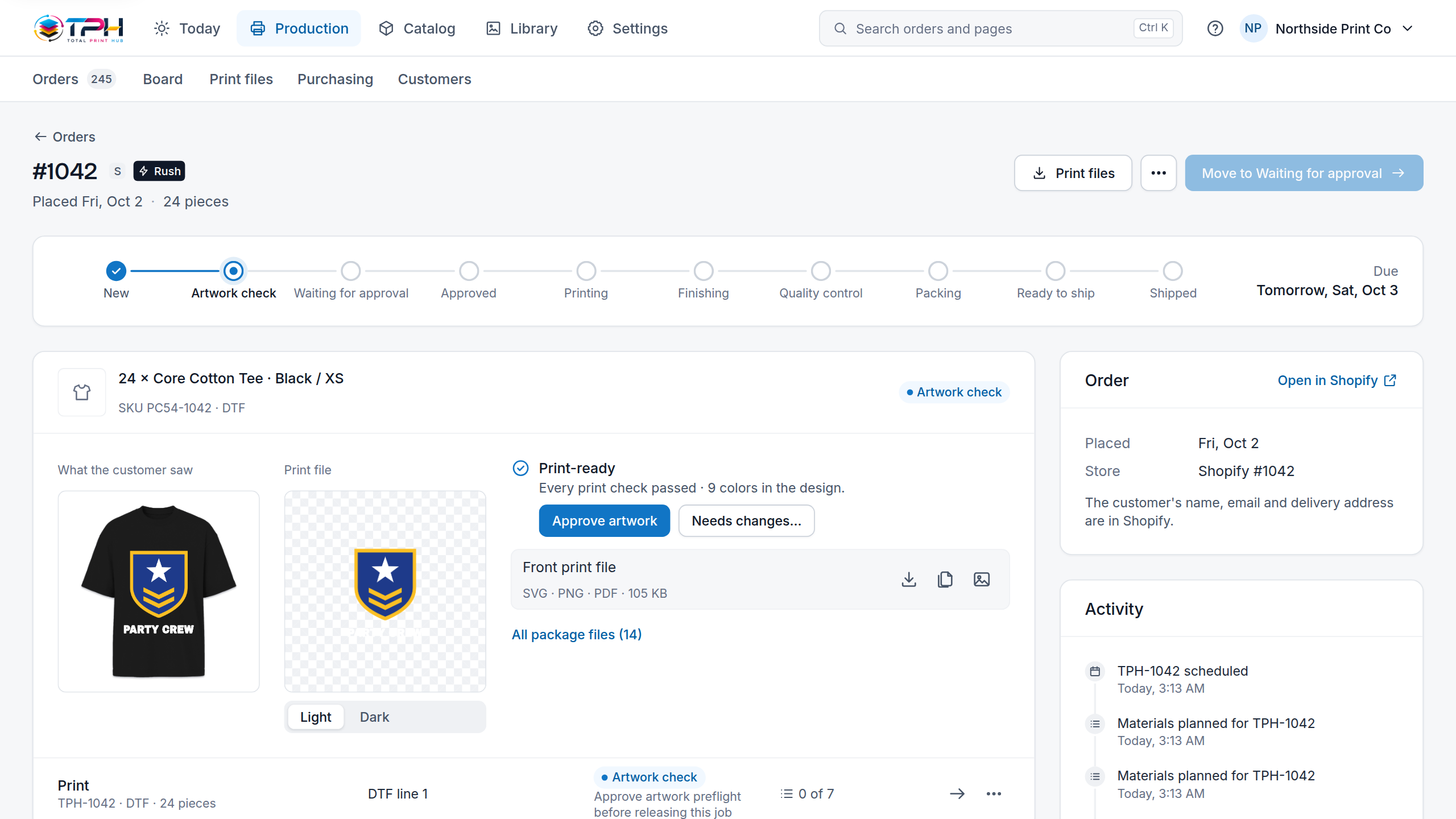
What an order holds
- The Shopify or WooCommerce order and line it came from
- The editable design
- Product, variant, side, print area and print method
- Source artwork and customer uploads
- Fonts and text
- The price and the file checks
- Previews and print files
- The supplier package and its status, when a supplier is connected
Build the owner package
- 1
Open Production > Orders.
- 2
Find the order and choose Review on the personalized line.
- 3
Read the warnings, missing resources and file checks.
- 4
Choose Build package. It creates a ZIP with print files, editable sources, fonts, artwork, uploads and the manifest.
- 5
Choose Download package and check its contents against the manifest.
- 6
Print directly only when the file is print-ready; otherwise choose Open studio and correct the design.
Export formats
The formats depend on the design and the print method. They can include SVG, PNG, PDF, color-separated ZIPs, gang sheet output, previews and supplier packages. A combination that cannot be printed safely is refused with the reason, never passed off as print-ready.