 Docs
DocsHow Total Print Hub works
What your customers see, what your team gets, and the order to set things up on Shopify or WooCommerce.
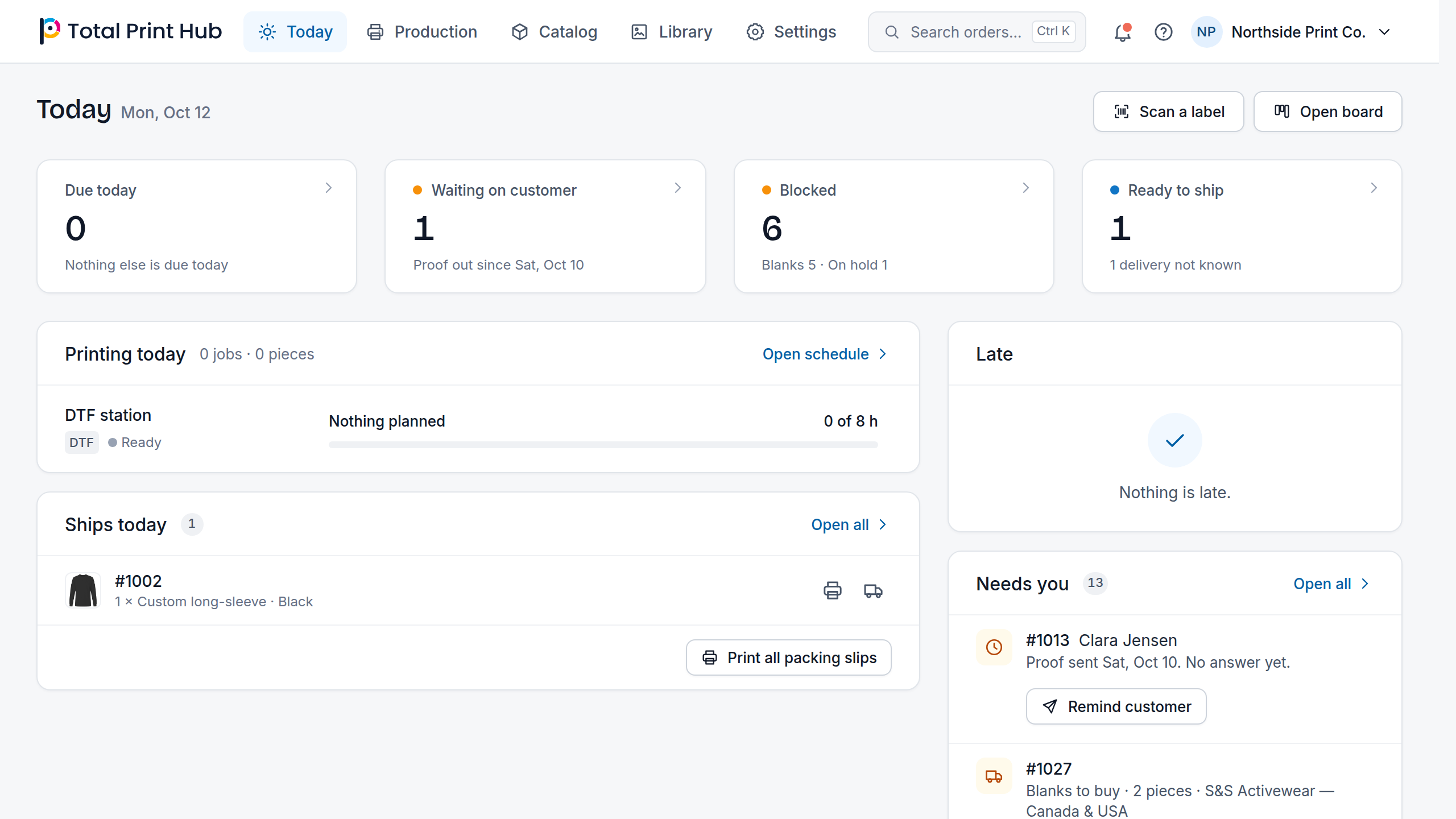
The three customer tools
- Design Studio: customers add text, upload art and see the design on the product, front and back, on desktop and phone.
- Gang Sheet Builder: customers pick one of your sheet sizes, upload designs, set quantities and let auto-arrange pack a DTF or UV DTF sheet.
- Instant Merch and Branded Stores: one logo upload shows every product that can print it, and each school, team or company you serve can have its own store.
From the product page to the press
- 1
A customer opens the tool from a product page in your Shopify or WooCommerce store.
- 2
The finished design goes into your own cart as a normal line, at the price your pricing setups give.
- 3
The customer pays in your own checkout, with your payment methods.
- 4
The paid order becomes jobs on your production board, each with the customer's preview and a print-ready file per print area.
- 5
Your team prints, finishes and ships from the board. Nobody re-enters the order or rebuilds the file.
What stays in your store
Total Print Hub adds the design, pricing and production layer. It does not replace your storefront or move your customers anywhere else.
- Your theme and product pages
- Cart, checkout and payment methods
- Customer accounts and order emails
- Products, variants, prices and inventory
- Shipping, taxes and discounts
Set up in this order
- 1
Install the app on Shopify or connect the plugin on WooCommerce, and start the free trial.
- 2
Set up one best seller with its print areas in Catalog > Products.
- 3
Give it a price in Catalog > Pricing.
- 4
Switch on the customer tools your plan includes in Settings > Plan and billing.
- 5
Check that the design button shows on the product page in Settings > Connections.
- 6
Place a test order and follow it to Production > Board.
- 7
Work through the launch checklist before you turn on the rest of your catalog.