 Docs
DocsInstant Merch and Branded Stores
Show one uploaded logo on every product that can print it, and give each school, team or company its own store.
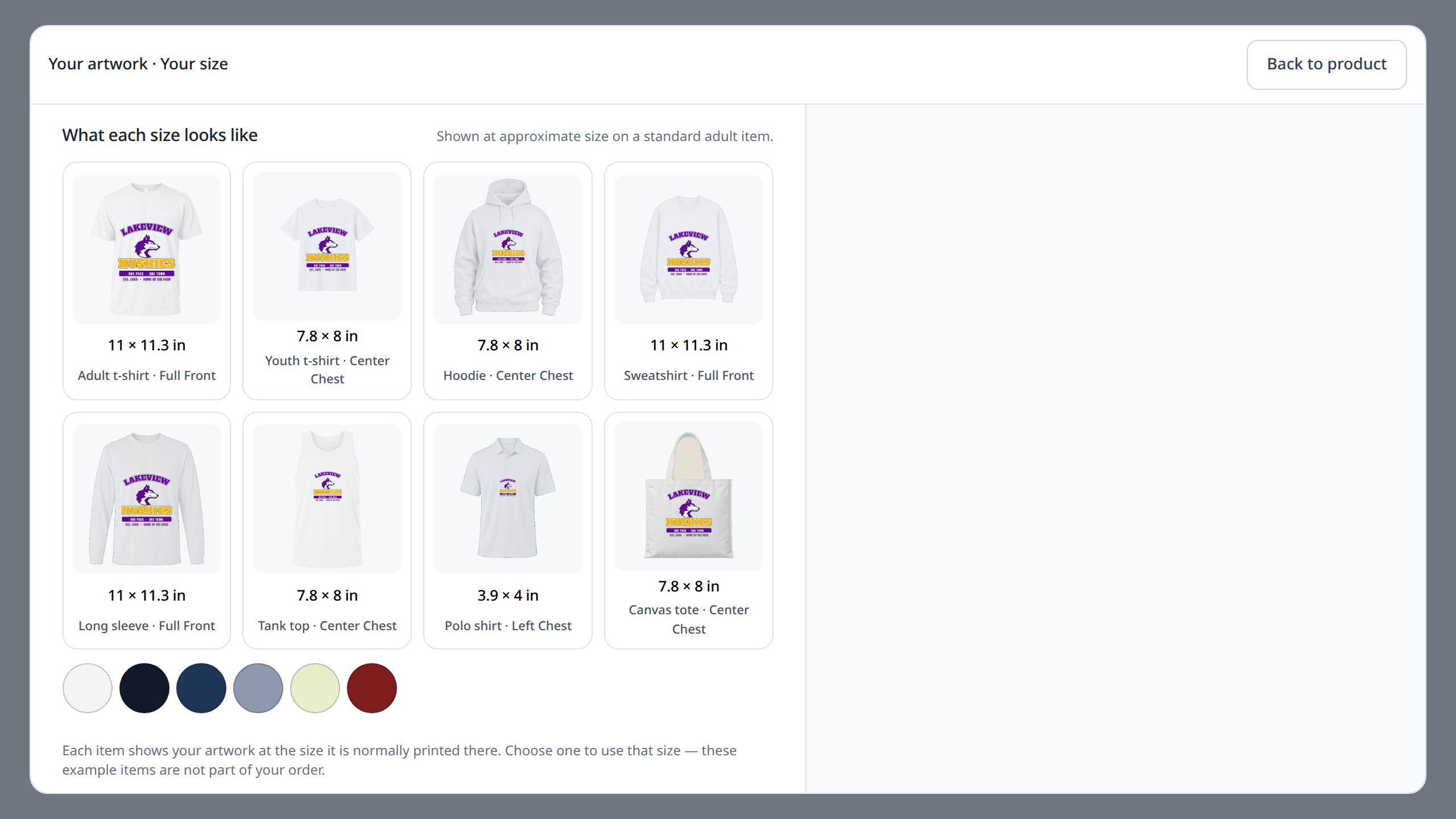
What the customer sees
A customer uploads one logo and sees it on the products in your store that can print it, each at a print size that suits the product. Products that cannot carry the artwork are left out.
The customer picks colors, sizes and quantities for each product, sees the total as they go, and buys everything in one checkout in your Shopify or WooCommerce store.
Only products that will print well
Instant Merch checks the artwork against each product before showing it. By default, artwork must reach 150 DPI at the size it would print on a product to be shown there, and anything below 300 DPI carries a warning.
Customers choose from popular placement sizes, such as left chest, full front or hat front, and can still type their own size.
Set it up
- 3.1
Check your plan: Instant Merch is in Complete and Dedicated. Core includes one design engine and not Instant Merch.
- 3.2
Open Settings > Store and switch on Instant Merch under Customer experiences.
- 3.3
Open a product in Catalog > Product setup, set Instant Merch to On and choose Prepare product. It uses the product's existing print areas, methods, variants and pricing.
- 3.4
On Shopify, add the Instant Merch block to your product template in the theme editor. On WooCommerce, it opens on the product pages of the products you prepared.
- 3.5
Open Connections > Storefront. The Instant Merch card shows whether it is ready and what is still missing.
- 3.6
Upload a logo on a product page yourself and take a test order.
Branded Stores
A Branded Store is a store for one school, team or company you print for, with its own name, logo and colors and only the products you picked for it. Create and publish stores in Catalog > Branded Stores.
For each product you choose what members can do: buy it as shown, add names and numbers only, use approved artwork only, or open the full Design Studio.
Protect a store with an access code or open it to everyone. Members can add a name or number in the Design Studio before checkout, and their orders arrive in your normal Orders list and production queue.
How many stores each plan runs
- Core: 150 active Branded Stores
- Complete: 450 active Branded Stores
- Dedicated: unlimited Branded Stores